Maintaining coding printer nozzles is crucial for optimal performance. According to industry reports, clogged nozzles can diminish print quality and cause production delays. Data shows that 30% of printer faults arise from this issue. It's essential to know how to clean coding printer nozzles safely to prevent damage and ensure consistent operation.
The methods discussed in the following sections prioritize safety and efficacy. Common cleaning agents can be harmful, yet using safe alternatives and proper techniques can yield excellent results. Many technicians suggest conducting regular maintenance checks to identify issues before they escalate. However, a gap in knowledge exists among users regarding safe cleaning practices. This guide aims to address that gap and provide clear instructions.
While no method is foolproof, understanding the common pitfalls can enhance results. This ensures your coding printer achieves its full potential. Safe cleaning not only protects equipment but also contributes to sustainability efforts. Choosing the right approach saves time, money, and resources.
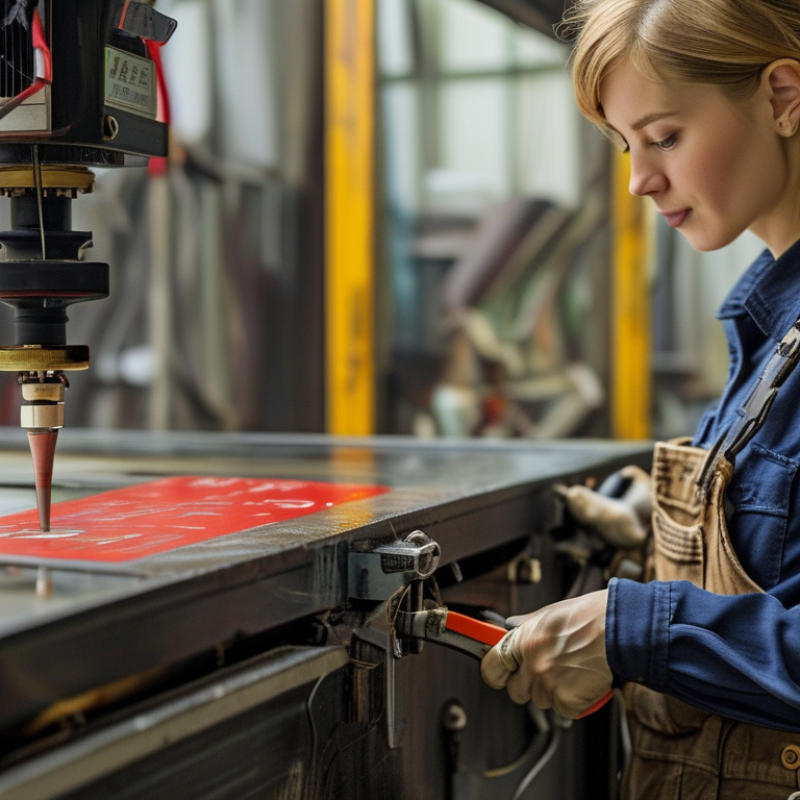
Printer nozzles play a critical role in delivering high-quality prints. They are tiny openings through which ink flows onto the paper. A clogged nozzle can lead to streaks, faded prints, or even complete print failures. Understanding how these nozzles work helps users maintain their printers better. Regular maintenance ensures optimal performance, and knowing when to clean them can save both time and money.
Cleaning printer nozzles is essential for consistent print quality. Many users neglect this task until they notice problems. However, prevention is better than cure. Identifying signs of clogging early makes the cleaning process more effective. Simple methods like using cleaning solutions can break down dried ink. Users should ensure to follow safe practices during cleaning to avoid damage.
Many people overlook the importance of proper cleaning techniques. It can be tempting to rush through the process, but patience is key. An improper method can lead to further clogging. Taking time to research safe cleaning practices ensures longevity for your printer. Being attentive to these details fosters a better printing experience and reduces future issues.
: Printer nozzles allow ink to flow onto paper, ensuring high-quality prints.
A clogged nozzle can cause streaks, faded prints, or even print failures.
Signs of clogging include poor print quality and visible streaks on paper.
Use lint-free cloths, swabs, and small syringes for precise cleaning.
Regularly clean nozzles and run cleaning cycles to minimize blockages.
Avoid using harsh chemicals, as they can damage printer components.
Low-quality ink can lead to residue buildup, increasing clogging chances.
Store them properly, away from extreme temperatures and humidity.
Clean nozzles every few weeks, but don’t overdo it to prevent wear.
Dust and particles from the environment can contaminate nozzles, causing clogs.
Cleaning coding printer nozzles is crucial for maintaining print quality and ensuring efficient operation. Clogged nozzles can lead to streaks, faded prints, and even damage to the printer itself. Recognizing the signs of clogged nozzles is essential; print quality degradation often indicates that it's time to take action. To address this issue, it's important to understand how to clean coding printer nozzles safely using appropriate tools and materials.
This article provides a step-by-step guide to effectively clean printer nozzles, emphasizing safe methods that prevent further damage. Additionally, it offers preventative maintenance tips to avoid future clogs, thereby extending the lifespan of your printer. By following these guidelines, users can ensure their printers operate smoothly and deliver consistently high-quality prints.

 Collins Machine